LCD Video Wall News

Explanation of VGA Connector: Everything You May Be Interested In

2026-01-06
Introduction: Why VGA Connectors Are Still Relevant Today

In today’s world of digital displays, projectors, and interactive screens, the VGA connector remains an essential interface for transmitting video signals. Although newer standards like HDMI, DisplayPort, and USB-C have become mainstream, the VGA connector still plays an important role in many business, educational, and industrial applications.

At Qtenboard, we provide high-quality devices compatible with VGA connectors, including LCD display screens, interactive whiteboards, digital signage, kiosks, video walls, and more. Whether your business needs cost-effective solutions for classrooms, conference rooms, or digital signage, our VGA-compatible products ensure reliable signal transmission and professional display quality.

This article will provide a comprehensive explanation of VGA connectors, their types, uses, advantages, differences with HDMI, and why choosing Qtenboard solutions can benefit your business.


What is a VGA Connector?
Explanation of VGA Connector: Everything You May Be Interested In

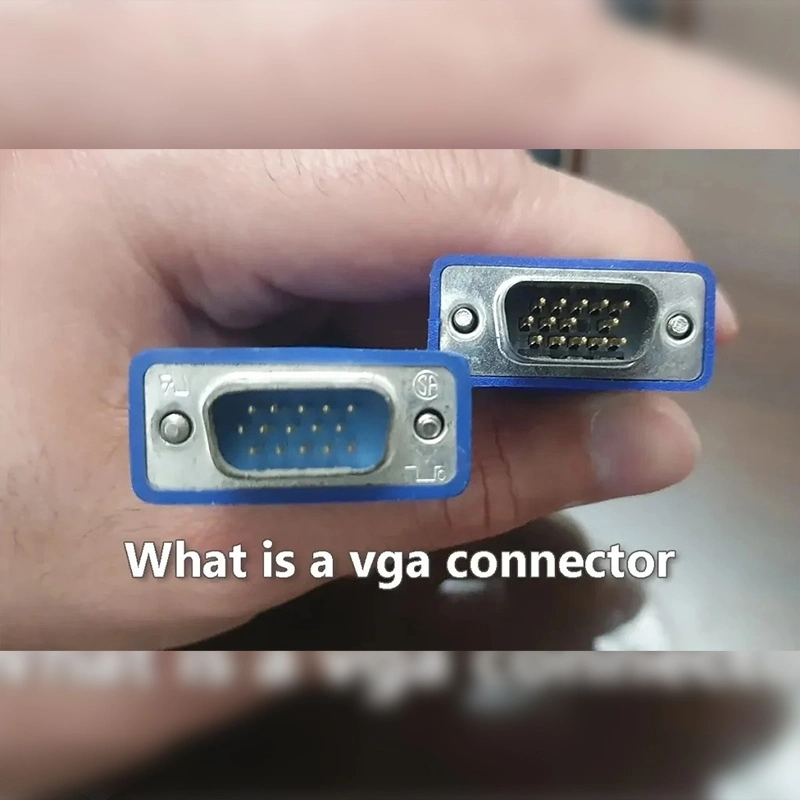
A VGA connector, also known as a D-SUB connector, was first introduced in 1987 and quickly became the industry standard for analog video transmission. It is commonly found on computers, projectors, video walls, digital signage, and other electronic display devices.

Typically, a VGA connector has 15 pins arranged in three rows of five, enabling the transmission of analog video signals between connected devices. Despite being an older technology, its robust compatibility and ease of use make it still valuable in modern digital display setups.


What Does a VGA Connector Look Like?

The VGA connector is trapezoidal in shape. Male connectors feature two screws on either side to secure the connection, while female connectors have corresponding screw holes.

The 15 pins have specific functions:

  • Pins 1–3: Transmit red, green, and blue color signals
  • Pins 5, 6, 7, 8, 10: Ground pins for preventing signal interference
  • Pins 13–14: Carry horizontal and vertical sync signals
  • Other pins: Either unused or reserved for limited functions

This design allows for a stable analog video signal connection between a computer, projector, or display screen.


What is a VGA Connector Used For?

The primary purpose of a VGA connector is to transfer video signals from one device to another. It is widely used in:

  • Connecting computers or laptops to monitors
  • Displaying content on projectors
  • Transmitting videos to electronic signage
  • Integrating video walls for corporate or retail use

For example, in a conference room, you can use a VGA connector to project your computer’s presentation, PPT, or images onto a large display screen. Similarly, if your digital signage needs to show product videos, a VGA connector ensures smooth video transmission.

At Qtenboard, our VGA-compatible displays, including LCD videowalls and interactive screens, allow businesses to deliver content clearly, whether in classrooms, offices, or retail environments.


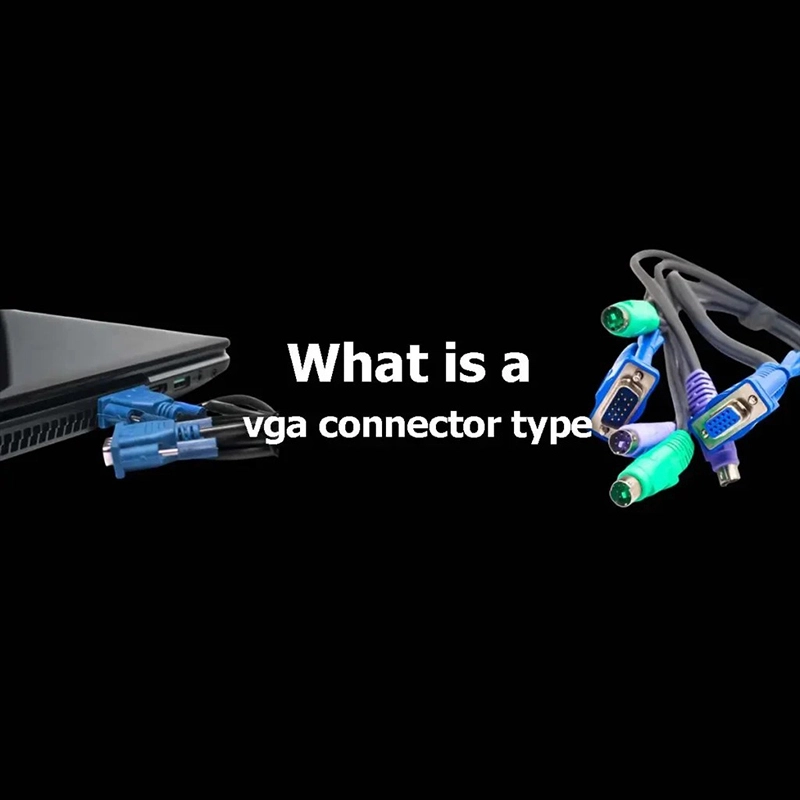
VGA Connector Types
Explanation of VGA Connector: Everything You May Be Interested In

VGA connectors come in various types to suit different applications:

Standard VGA Connector
  • Male: Connects output ports of video cards to monitors
  • Female: Receives signals, usually on monitors or PCs
Mini VGA Connector
  • Compact design for laptops, small digital signage, and portable devices
  • Still uses a 15-pin configuration
VGA Connector with Integrated Audio
  • Transmits both video and audio signals
  • Comes with an audio jack or cable for synchronized connection
90-Degree Angle VGA Connector
  • L-shaped design reduces space usage
  • Ideal for devices placed in tight spaces or behind walls

These options provide flexibility depending on display location, space constraints, and application needs.


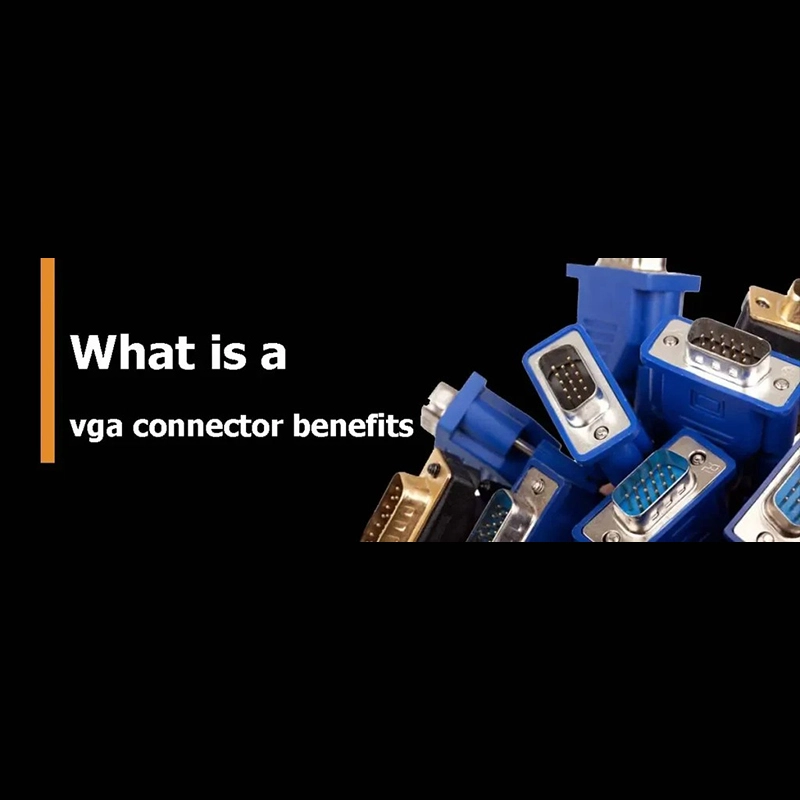
Benefits of VGA Connectors
Explanation of VGA Connector: Everything You May Be Interested In

Using a VGA connector offers several advantages:

Strong Compatibility

VGA connectors are widely supported across computers, projectors, digital signage, and LCD displays. This makes them ideal for enterprise offices, classrooms, or retail environments.

Low Cost

With mature production processes, VGA connectors are inexpensive to manufacture, replace, and maintain. They offer a cost-effective solution for businesses requiring stable video signal transmission.

Reliable Signal Transmission

VGA connectors transmit analog video signals with minimal latency, making them suitable for presentations, digital signage, and video walls.

At Qtenboard, we integrate VGA connectors into our high-quality display products, ensuring compatibility and reliable performance for all your business applications.


Difference Between HDMI and VGA

While HDMI has become mainstream, VGA connectors remain relevant for certain applications. The key differences include:

အချက်အလက်များ VGA Connector HDMI Connector
Signal Type Analog video Digital video & audio
Pins 15 19
Cable Thickness Thicker Thinner
Resolution Support Supports high resolution but may degrade 720P to 8K, high-quality
Use Case Office, projectors, classrooms, video walls High-definition TVs, theater systems, modern LED displays

VGA is ideal for scenarios where audio is not required or cost-effective solutions are needed, while HDMI is suited for high-resolution multimedia with audio.


Why Qtenboard VGA-Compatible Displays Stand Out

Qtenboard offers a range of VGA-compatible displays, including:

  • Interactive whiteboards for education and business
  • LCD videowalls for control rooms, offices, and retail
  • Digital signage for in-store advertising and promotions
  • Kiosks for self-service and interactive applications

Advantages of choosing Qtenboard:

Reliable video signal transmission with VGA connectors
Cost-effective solutions for businesses of all sizes
Seamless integration with other Qtenboard products
24/7 customer support for installation and troubleshooting

By choosing Qtenboard VGA-compatible displays, you ensure your content is presented clearly, with consistent color and brightness across multiple screens.


Conclusion

Although HDMI and other modern connectors dominate the market, the VGA connector remains a valuable option due to its strong compatibility, affordability, and reliability. Whether connecting computers, projectors, video walls, or digital signage, VGA ensures smooth video transmission.

Qtenboard’s VGA-compatible solutions, including LCD videowalls, interactive displays, and digital signage, offer businesses professional-quality display performance, easy installation, and 24/7 support. With Qtenboard, you can deliver high-quality visual content to your audience while keeping costs manageable.

Click to read the product details and learn about its functional features and actual performance.

📖 Read Product

နောက် -နောက်ထပ် မရှိ

အိမ်း Whatsapp စာရင်းမှတ် ဥပမာ ၊